
What can I explore in the live studio?
The studio includes Restyle for reference-led visual changes and Try-On for outfit references. Choose the effect that matches your idea; each mode uses its own reference images.
YOUR LOOK. YOUR STYLE. LIVE.
Explore live AI effects by pairing your webcam with a reference image to experiment with creative styles and virtual outfits in your browser.
Browser-based studio · Camera + reference image
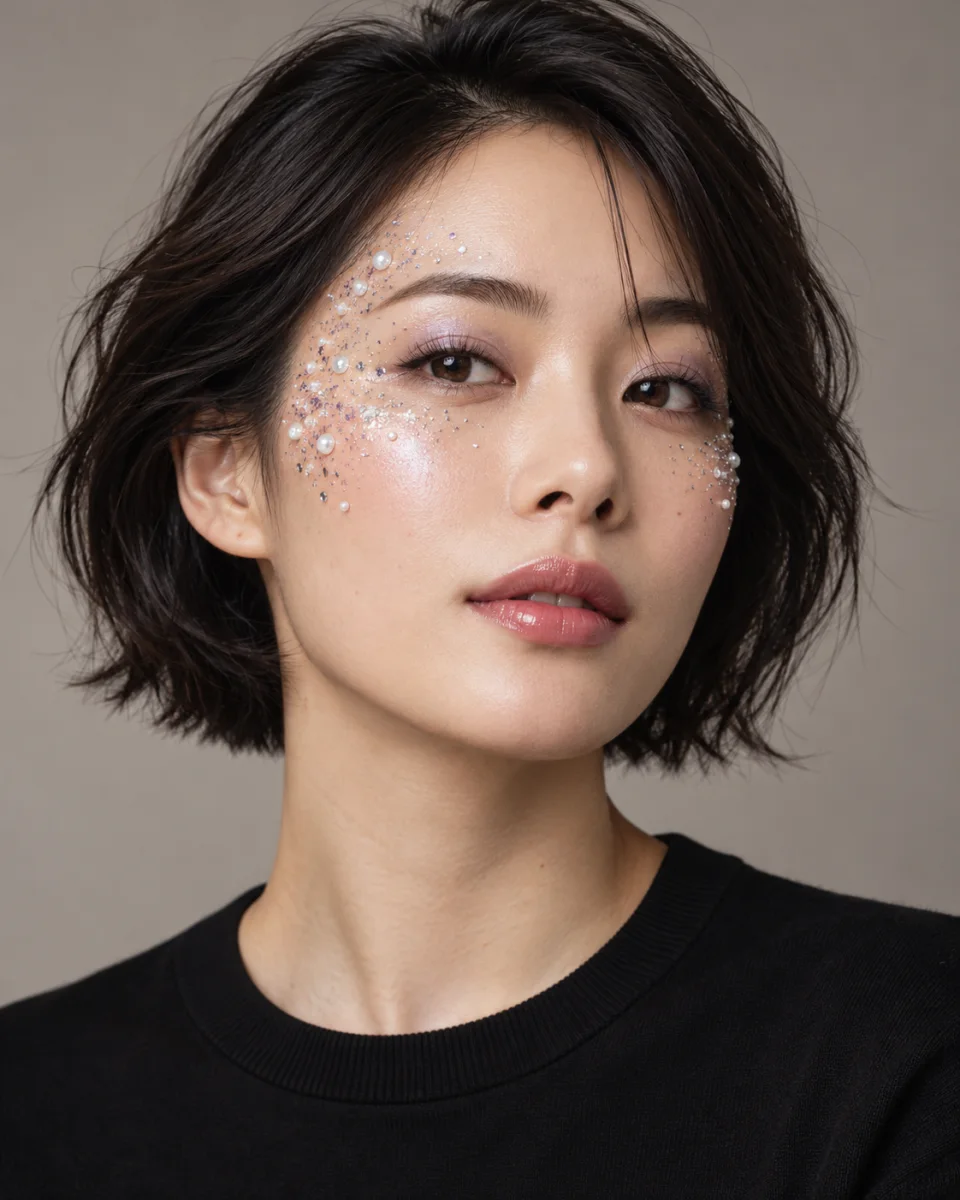
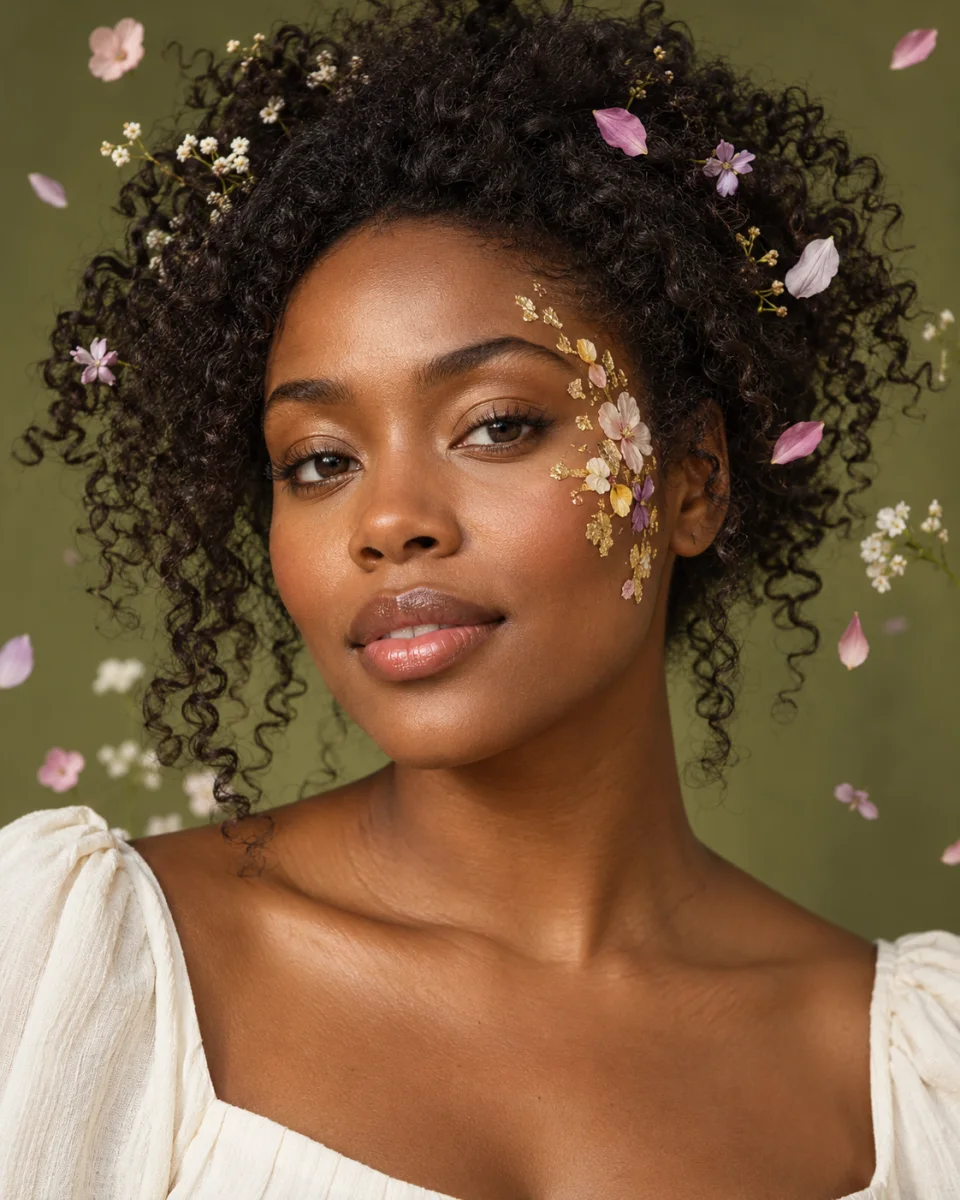
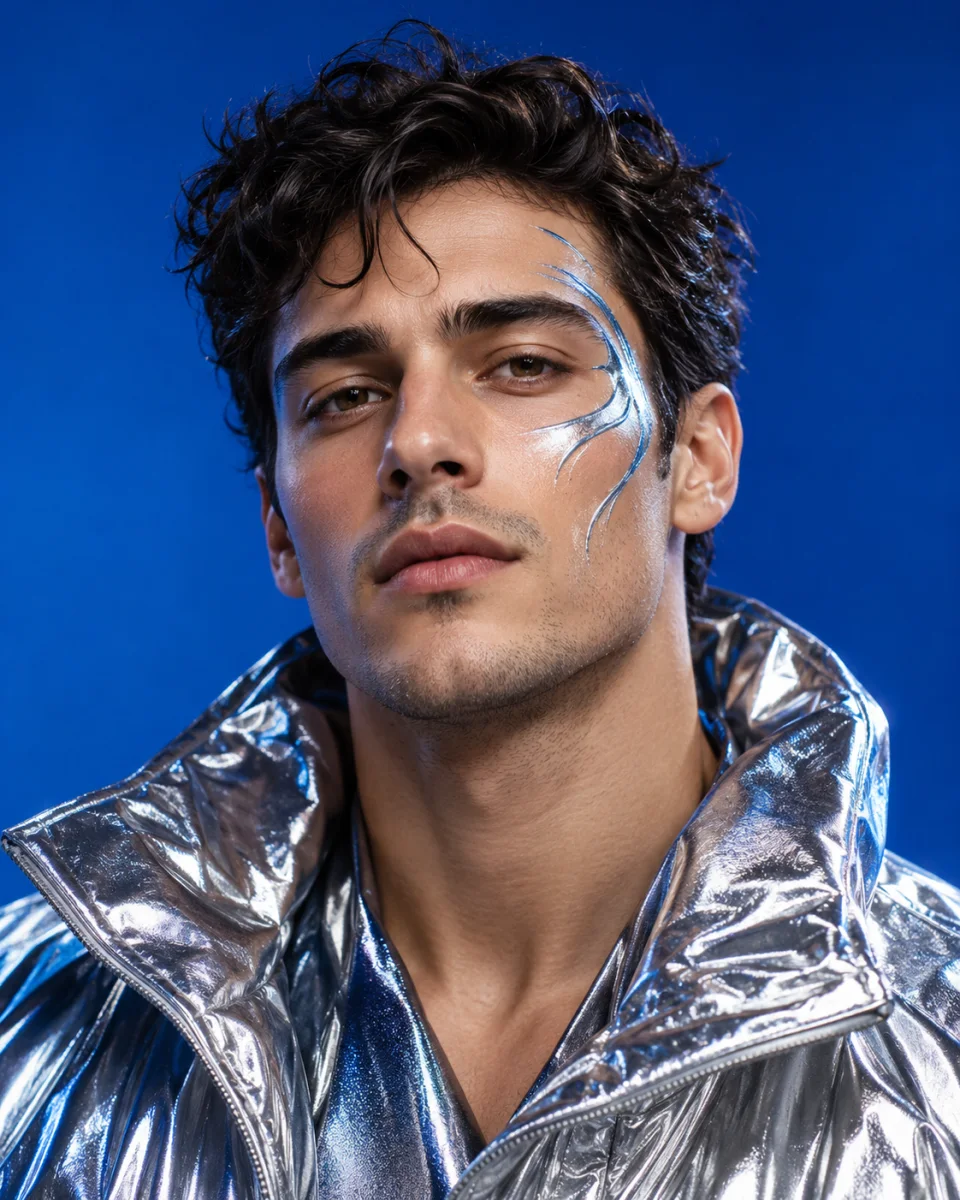
THE LIVE STUDIO
Choose Restyle for a new visual direction or Try-On for outfit references, then open your camera and start a live session.
Preparing reference…
Choose an image with the style, colors and textures you want. JPG, PNG or WebP, up to 10 MB.
Open your camera to get started.
Live processing is billed by session duration, starting when resources are allocated. Stop the session when finished.
Explore the colors, textures and outfits that make a look yours, with a live camera view and references you choose.
Move beyond your everyday look with Restyle. Use a reference to guide the colors, textures and visual mood of your live output, from a soft botanical aesthetic to a bolder creative treatment.
A crystal accent, a shimmering texture or a dramatic makeup reference can be the starting point for a creative experiment. Bring the visual inspiration into Restyle and explore how it translates to your live camera.
Use Try-On to explore a clothing reference on your live camera view. Test a statement jacket, a different silhouette or a completely new fashion direction before deciding what inspires you.
From an everyday style experiment to the first idea for a bigger project, make room for a different version of your look.
Explore a signature visual style for your next on-camera project. Compare references and find a direction before planning your shoot.
Try a new outfit direction, explore statement textures and see how a fashion reference changes the mood of your camera view.
Bring a festive makeup reference, a fantasy palette or a themed outfit into the studio to explore ideas for your next occasion.
Turn a collection of makeup, color and texture references into an interactive style session, and discover which direction feels right.
Experiment with the visual language of an original character, from botanical details to futuristic clothing, using references as your starting point.
Open your camera and try something unexpected. You do not need a campaign, a production team or a finished creative brief to get started.
A focused workspace for exploring looks, comparing references and finding your next visual direction.
The studio runs in your browser. Open the camera preview, choose your reference and sign in when you are ready to start a live AI session.
Use the reference gallery or upload your own JPG, PNG or WebP. You can start with an image that already captures the mood you have in mind.
Explore reference-led styling with Restyle or clothing ideas with Try-On. Stop the session before switching to a different effect mode.
Keep the camera input and live AI output in the same workspace so you can see the visual change while you experiment.
When the active session is ready, choose a different reference within the same effect to explore another direction.
Pin references to quick picks and keep your uploaded images in this browser, ready for your next creative session.
Go from a reference you love to a live creative experiment in three steps.
Open your webcam and allow camera access. Start with a clear view of your face and even lighting.
Choose an effect, then pick a reference from the gallery or upload an image with the style or outfit you want to explore.
Sign in and start your session to see the AI output. Stop the session when you finish, or before changing effects.
What to know before opening the studio.
The studio includes Restyle for reference-led visual changes and Try-On for outfit references. Choose the effect that matches your idea; each mode uses its own reference images.
No. They are AI-generated concept illustrations showing creative directions. They are not screenshots, preset previews or guaranteed results from the live studio.
The studio runs in your browser and needs camera permission. You can open the camera preview before starting an AI session; signing in is required to start the live effect.
For Restyle, choose an image with clear colors, textures and styling. For Try-On, use a reference that clearly shows the outfit. Upload a JPG, PNG or WebP smaller than 10 MB.
Stop the session before switching effect modes. Within the active effect, you can choose another reference when the studio is ready.
Live sessions are charged by duration, starting when resources are allocated. Stop the session when you are finished. The billing note in the studio explains the session behavior.
Bring a reference you love. See where your creativity takes you.